Manage your account settings on Jarvislabs.
Table of Contents
- Add credits to your Jarvislabs wallet
- Generate API Token to Automate Instance Lifecycle
- Startup Scripts
Add credits to your Jarvislabs wallet
Jarvislabs.ai operates on a prepaid system to prevent unexpected billing at the end of each month.
You can add credits to your account using a credit/debit card.
Credits are used for:
- Running instances (until you pause/delete the instance)
- Storage while your instance is paused
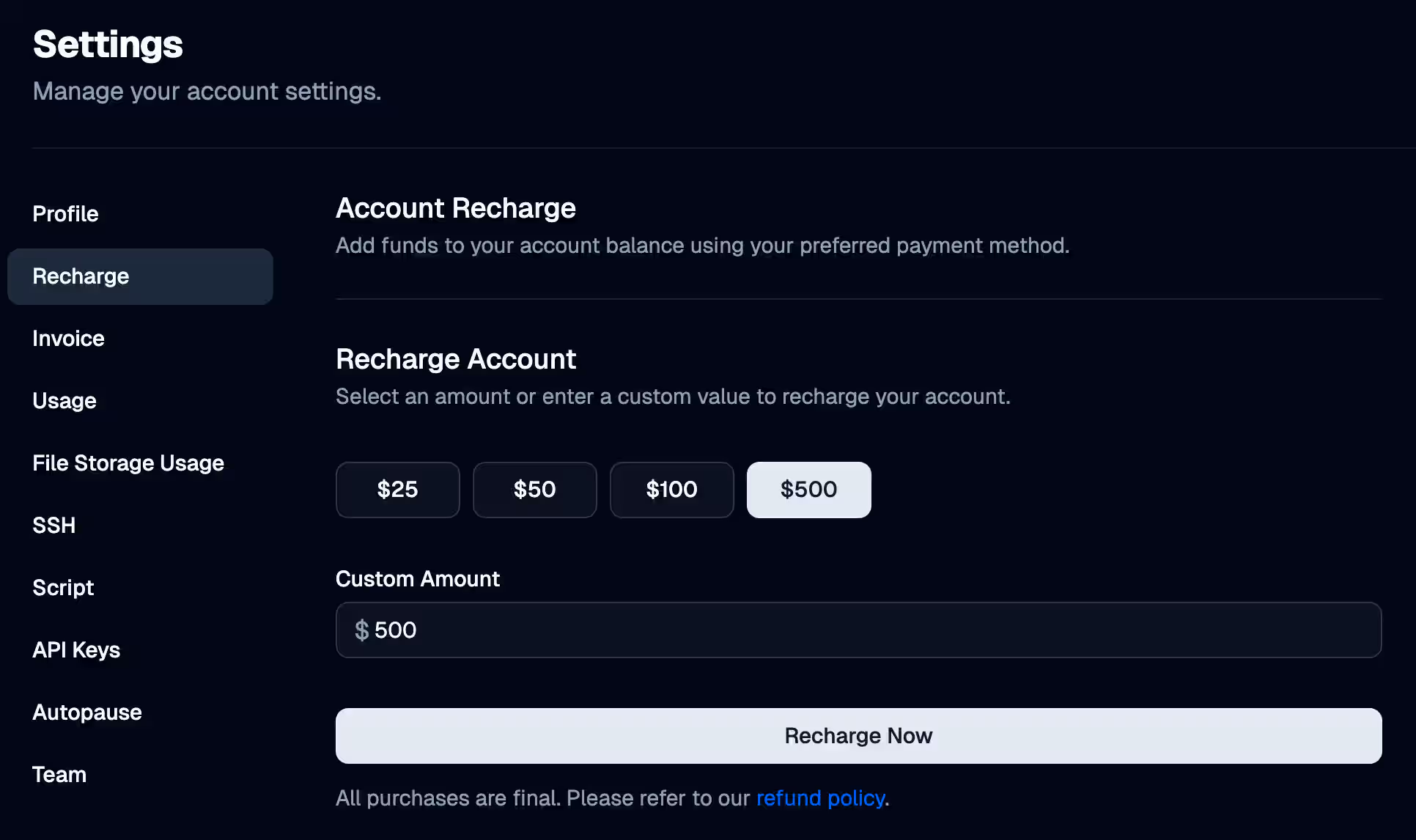
You can recharge your wallet in the Recharge section.
Recharge Wallet
Recharge your wallet with preset amounts of $25, $50, $100, and $500. For custom recharges, enter a value between $10 and $10,000. Upon successful recharge, Jarvislabs.ai credits your wallet with the equivalent amount.
We also support direct bank transfers for amounts greater than $500. Please contact us at support@jarvislabs.ai for more information.
Payment Processing
Jarvislabs.ai uses Stripe, a secure and trusted payment gateway. We do not store any card details on our system, ensuring your financial data's safety and privacy.
Generate API Token to Automate Instance Lifecycle
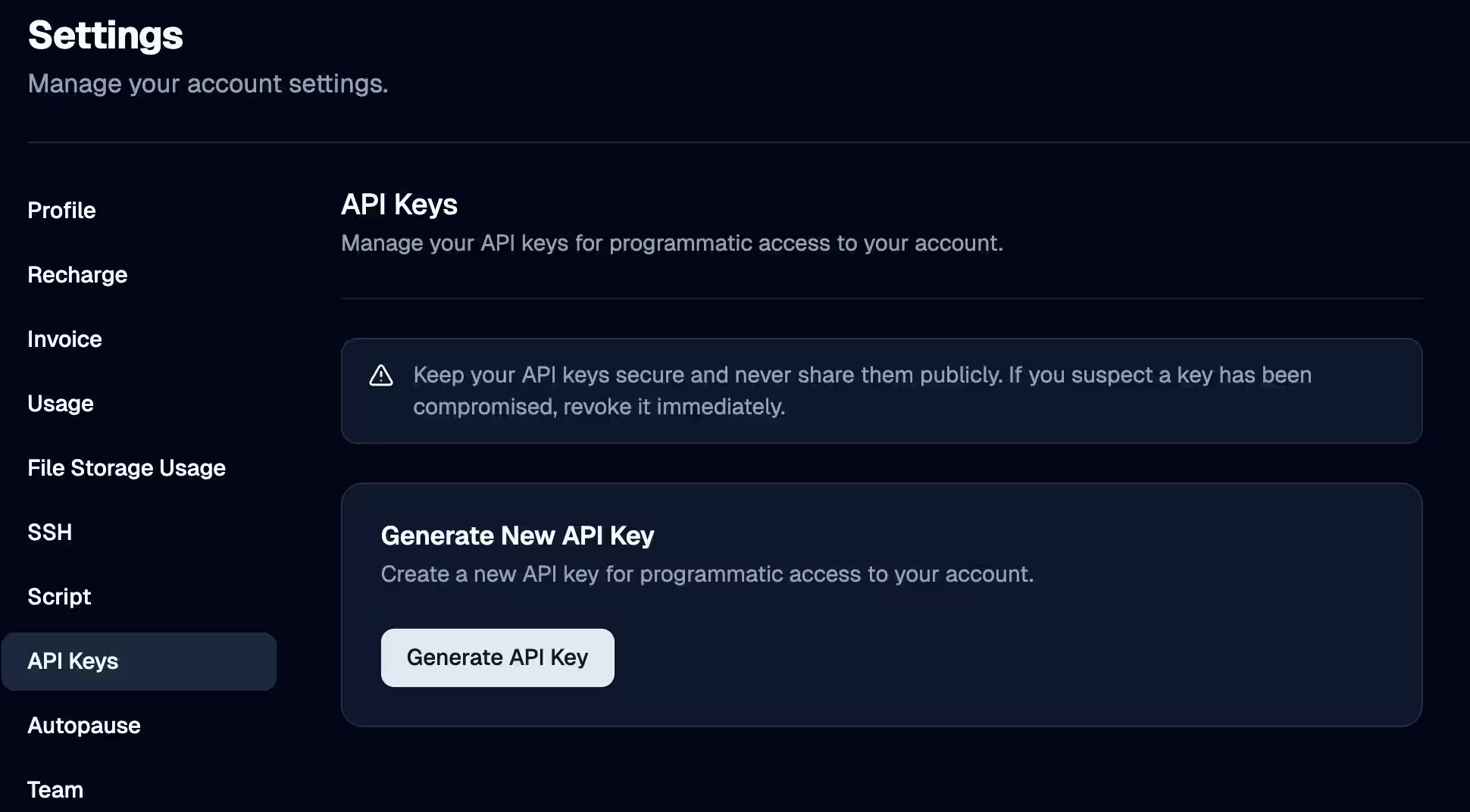
Jarvislabs.ai lets you manage the instance lifecycle, including launch, pause, resume, and delete, through the API. Generate your key here.
- New Python SDK & CLI (recommended): See the Python SDK docs and CLI docs — the new
jarvislabspackage includes a full CLI (jl) and works with AI coding agents. - Old JLClient (deprecated): The old API docs are still available but
jlclientis no longer maintained.
Startup Scripts
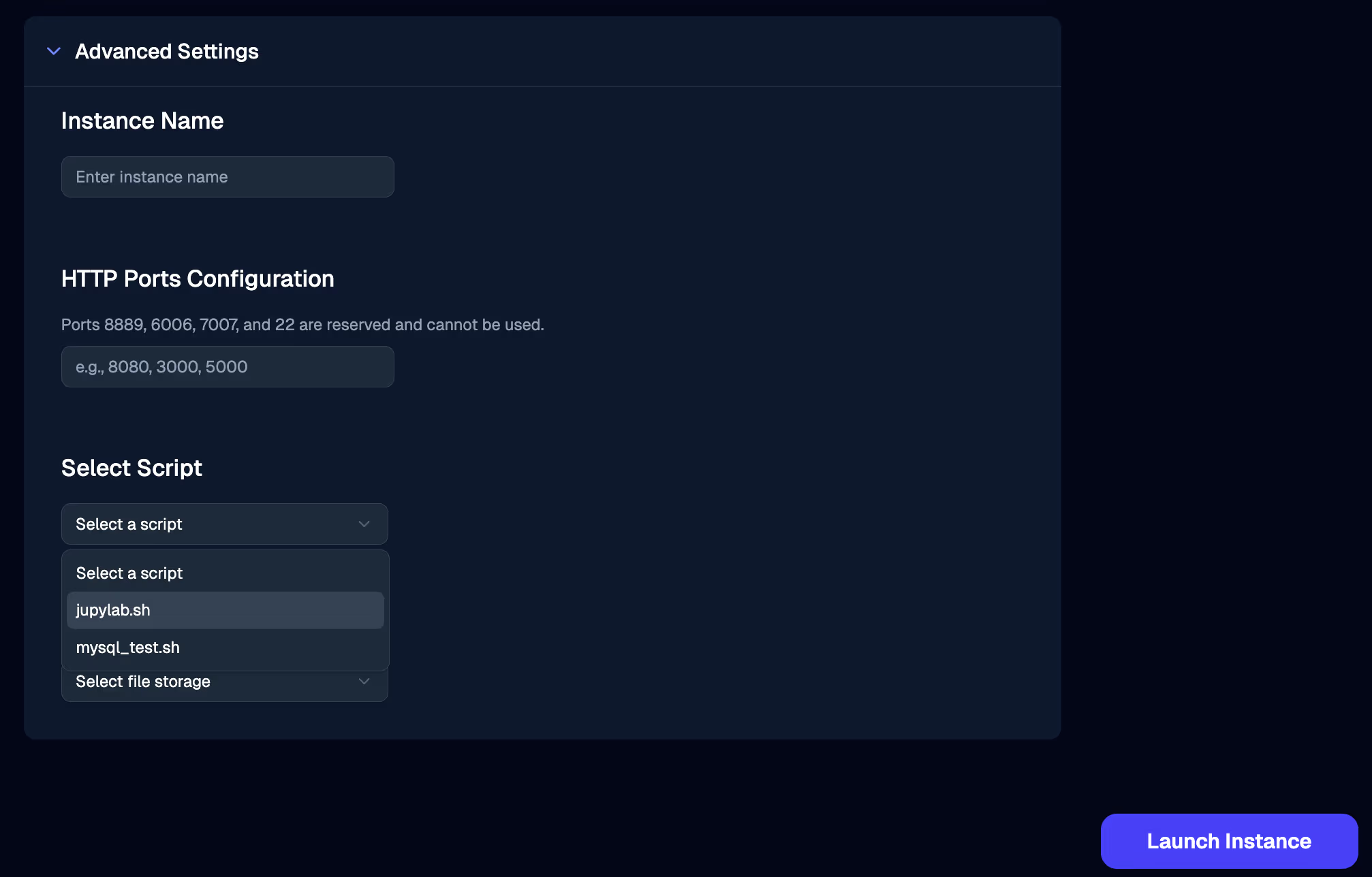
You can add up to 3 startup scripts here and choose 1 during launch, which will be executed at the start of every Jarvislabs.ai instance.
What is a Script?
A shell script containing instructions to perform operations like:
- Installing libraries
- Cloning git repositories
- Downloading datasets
- Training your model
Example of a startup script to install a specific version of PyTorch:
pip3 install torch==1.10.1+cu113 torchvision==0.11.2+cu113 torchaudio==0.10.1+cu113 -f https://download.pytorch.org/whl/cu113/torch_stable.html
Add/Delete Scripts
The script page shows all the startup scripts in your account. You can add or delete scripts from here.
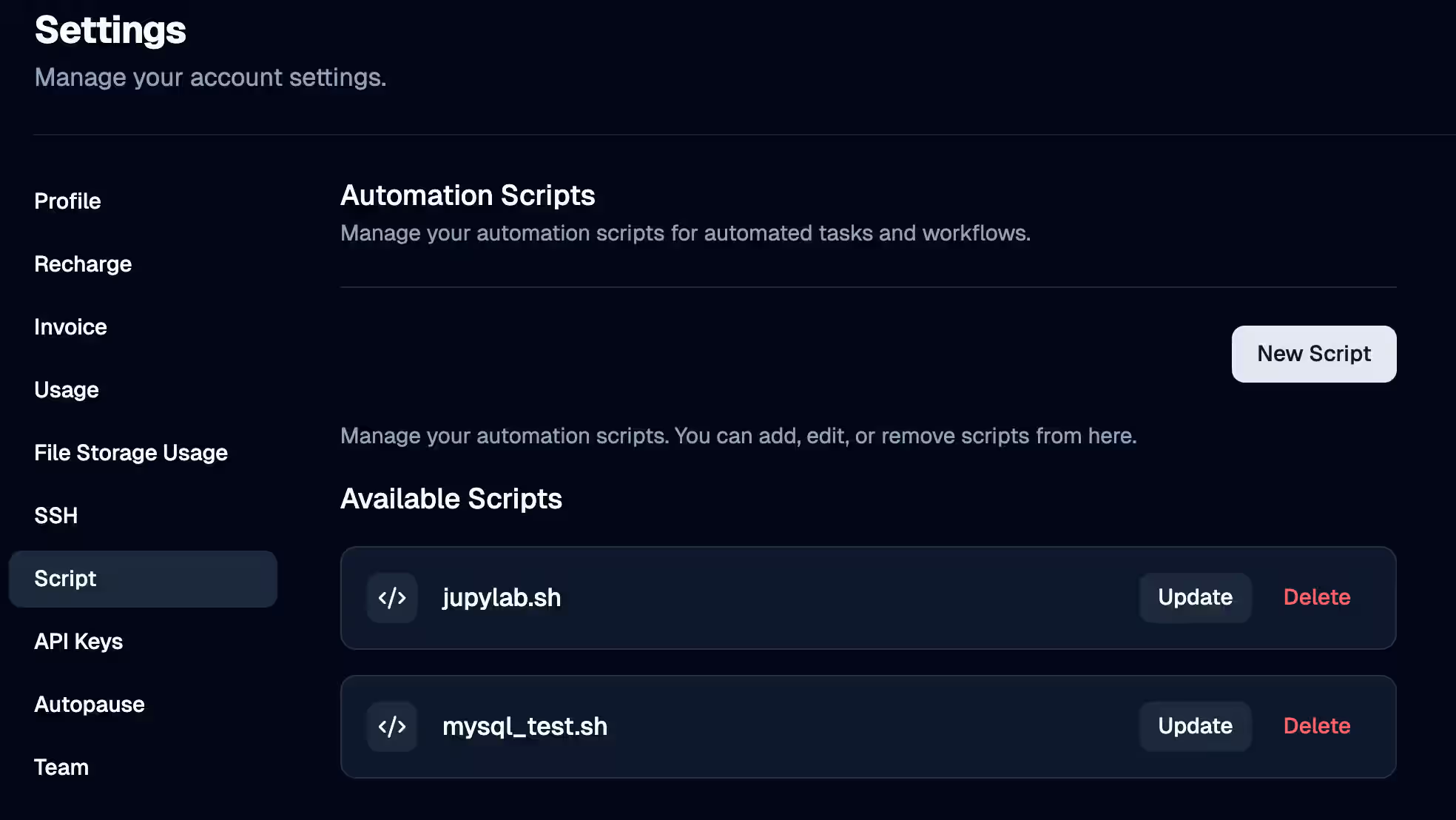
Maximum of 3 scripts allowed per account
Attach Startup Scripts
While launching a new instance attach your startup scripts to set up your environments. You can also pause and edit your existing instance to attach startup scripts.